Getting Started
gradle-check-updates (or gcu) is a command-line tool designed to be the Gradle equivalent of npm-check-updates. It safely and automatically upgrades your dependencies to their latest versions.
Installation
Install globally via npm to make the gcu command available everywhere:
npm install -g gradle-check-updatesAlternatively, you can run it on-the-fly using npx:
npx gradle-check-updatesQuick Start
Open your terminal, navigate to your Gradle project directory, and run one of the following commands:
1. Preview upgrades (Dry Run)
Run gcu by itself. It will scan your project and print a report of available upgrades, but it will not modify any files.
gcu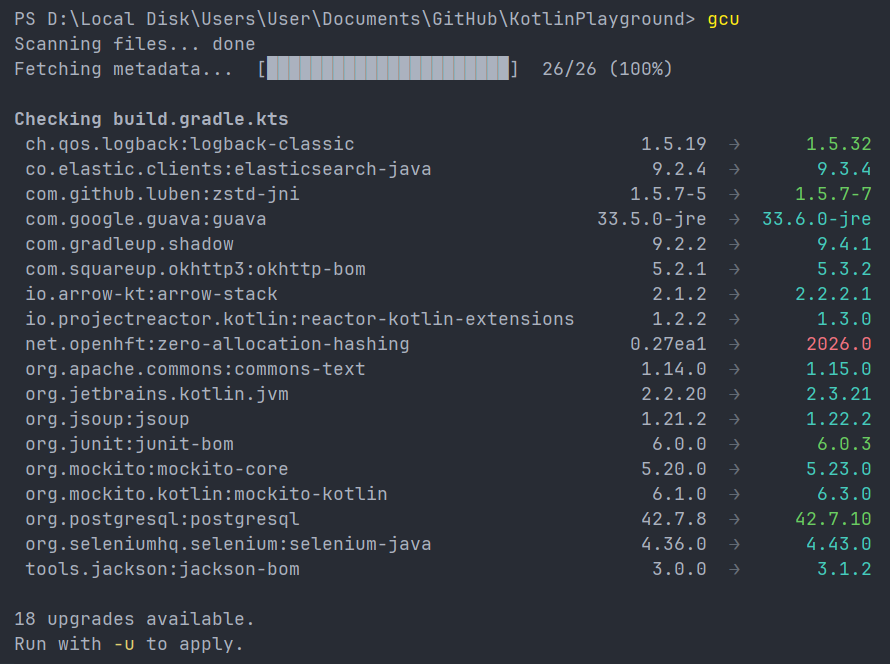
2. Apply upgrades
Add the -u (or --upgrade) flag to actually write the changes to your build files.
gcu -u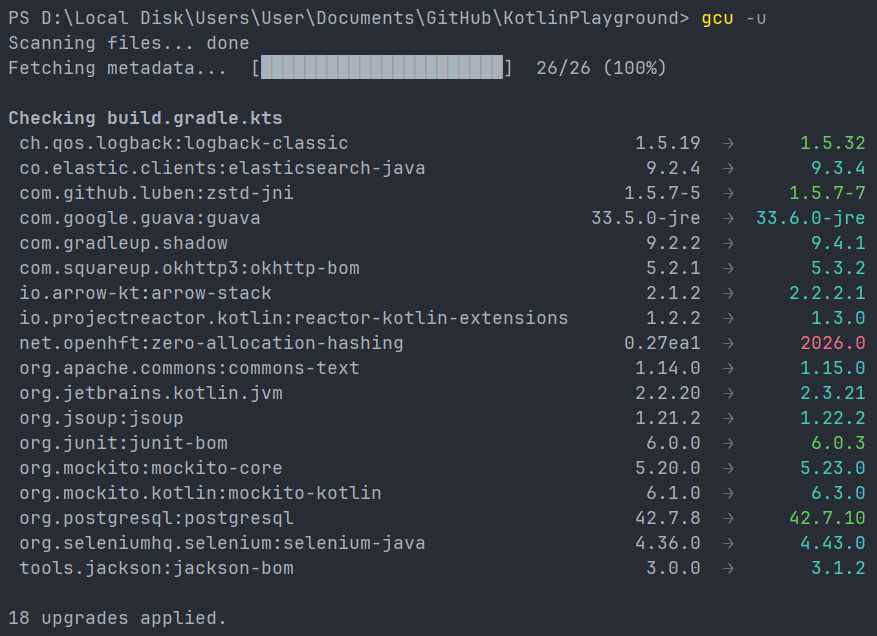
3. Choose upgrades interactively
Add the -i (or --interactive) flag to launch a visual picker, allowing you to select exactly which dependencies you want to upgrade.
gcu -i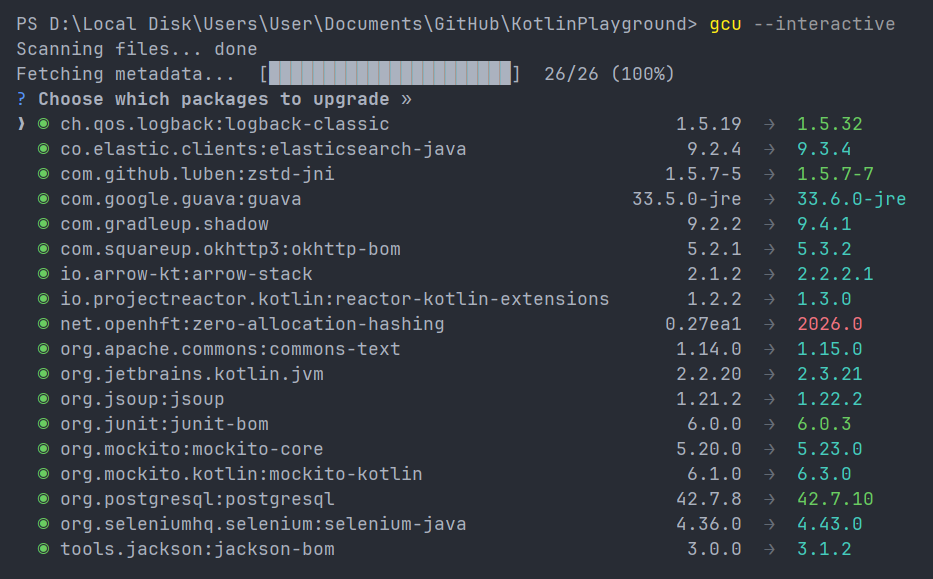
What's Next?
Learn more about how to use gcu effectively:
- How it Works - Understand the upgrade policy and supported files.
- Command Line Options - Full list of flags and exit codes.
- Cooldown & Security - Using the cooldown window to protect your supply chain.
- Configuration - Layered configuration with
.gcu.json. - Repository Auth - Authenticating with private Maven repositories.